I4 Energy
Energy Management Across Web, Desktop, Android & iOS
“Bring energy readings, device history, and alarm follow-up into the same workflow, on a phone, in a browser, or at a desktop.”
One Product, Four Platforms
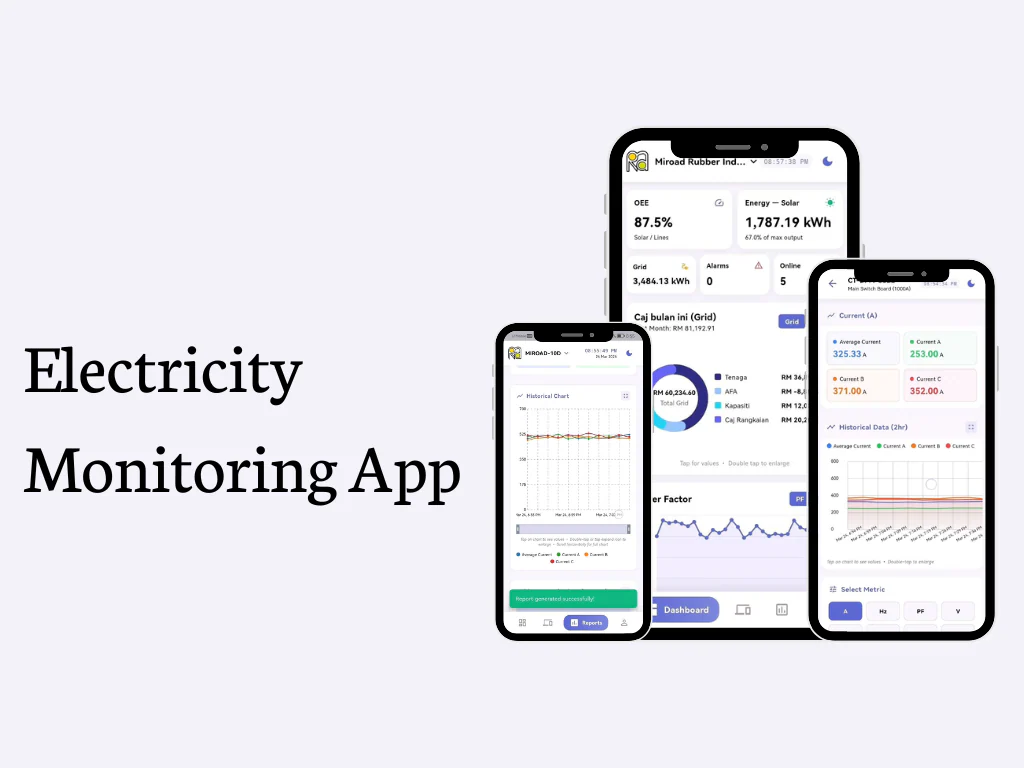
I4 Energy combines a React and Vite website, an Electron-packaged Windows desktop application, and Flutter/Dart apps targeting Android and iOS. The desktop app adds native window controls, a system tray, desktop notifications, and an email bridge. The Flutter client uses a compact navigation shell on phones and a navigation rail on larger screens, with light and dark themes. Across these interfaces, the product brings solar generation, grid exchange, electrical loads, device status, and alarm follow-up into a connected monitoring workflow.
Time-Series Telemetry and Site Selection
The data layer queries InfluxDB using Flux over HTTP, discovers available measurements and fields, and maps time-series results into dashboard, solar, device, and history views. Site/bucket selection changes the dataset used by the React application. Its dashboard refreshes on a 10-second interval, while the Flutter client coordinates asynchronous data through Riverpod providers. Solar generation, inverter status, meter readings, energy balances, and device-fleet summaries have concrete query implementations. This is a separate implementation from the I4 Engineering Android project.
Dashboards, Solar, Devices, and Trends
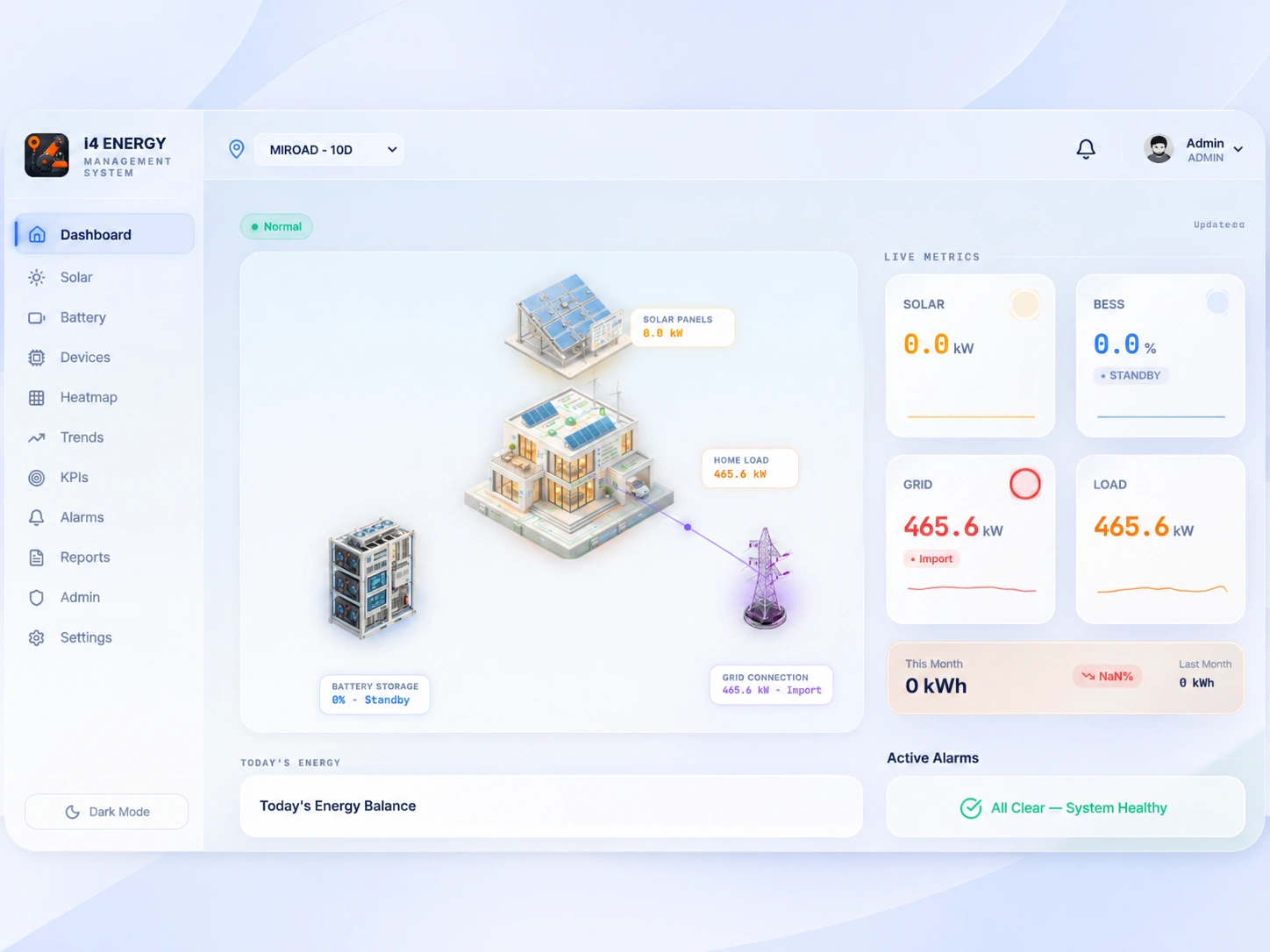
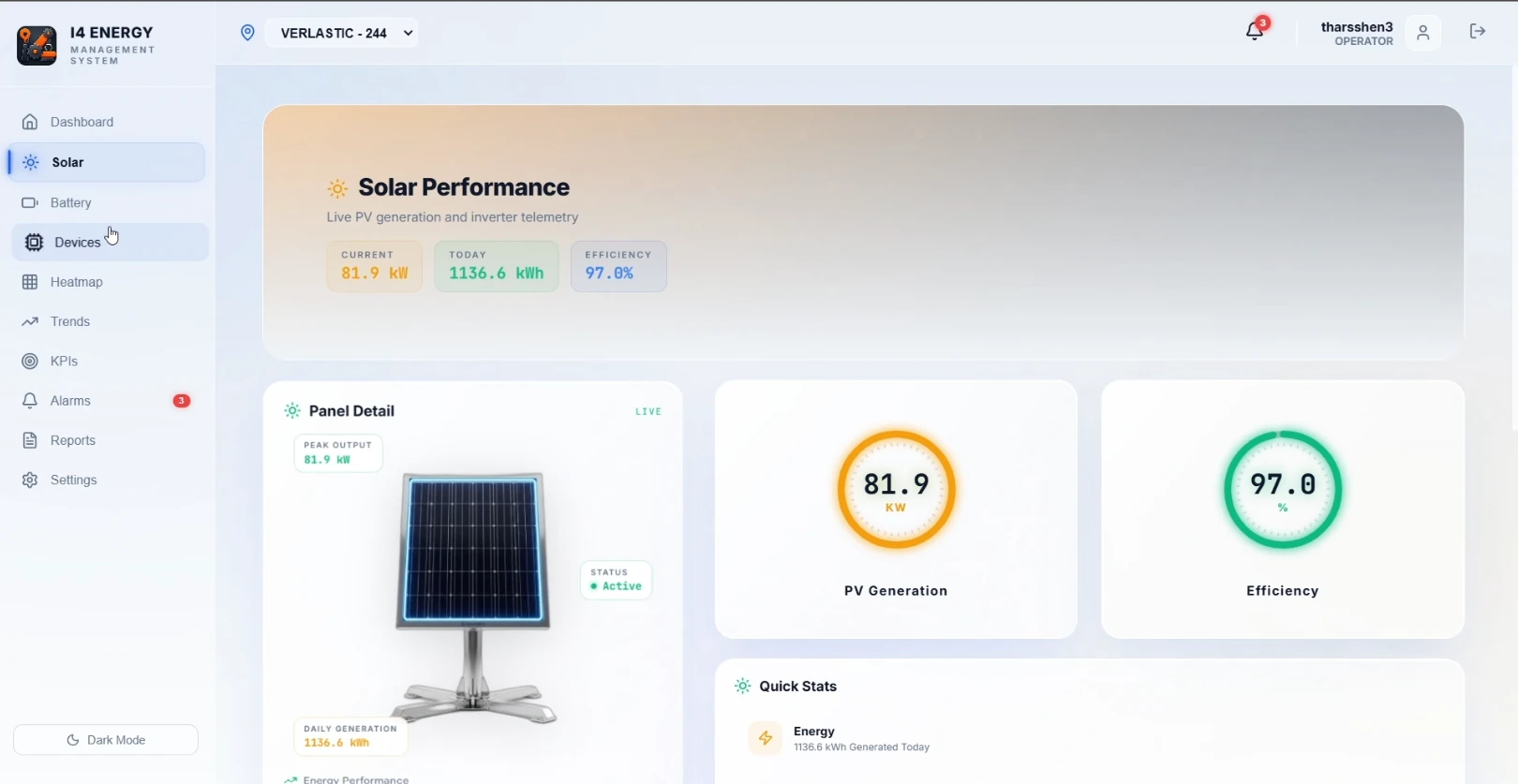
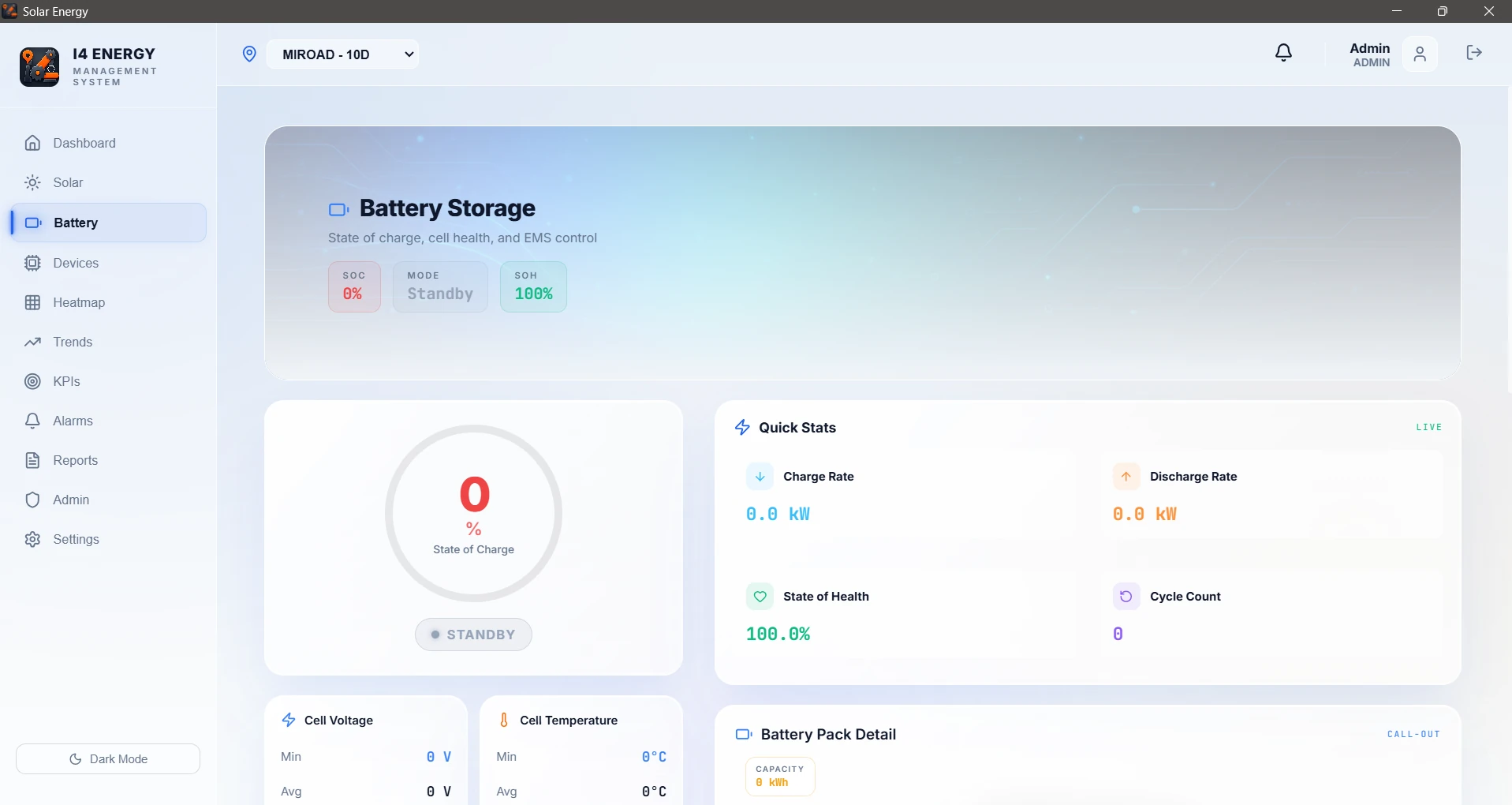
The home dashboard uses an animated isometric energy-flow diagram, inspectable nodes, KPI cards, and generation-versus-consumption views to make energy movement easier to follow. Solar pages include generation curves and inverter information. Device screens expose fleet status, individual measurements, and drill-down views, while the trends tools let users explore selected measurements and fields over a chosen time range. Recharts renders the browser charts; Flutter uses fl_chart and custom widgets. Battery and BMS pages extend the interface structure, with their present data-integration scope described below.
Alarm Lifecycle and Notifications
Threshold checks turn electrical-device and inverter readings into severity-labelled alarm events. Users can inspect active alarms, acknowledge or clear them, review history, and add comments. The Flutter app caches alarm records in Drift/SQLite and streams local changes into the interface, with backend synchronization for updates. Notification integrations include local/browser alerts, native Electron notifications, SMTP email, and Telegram when configured. The web alarm context polls every 10 seconds; the Flutter mobile background service configures a 30-second alarm poll. Background behaviour still depends on the mobile operating system.
Reports and Account Workflows
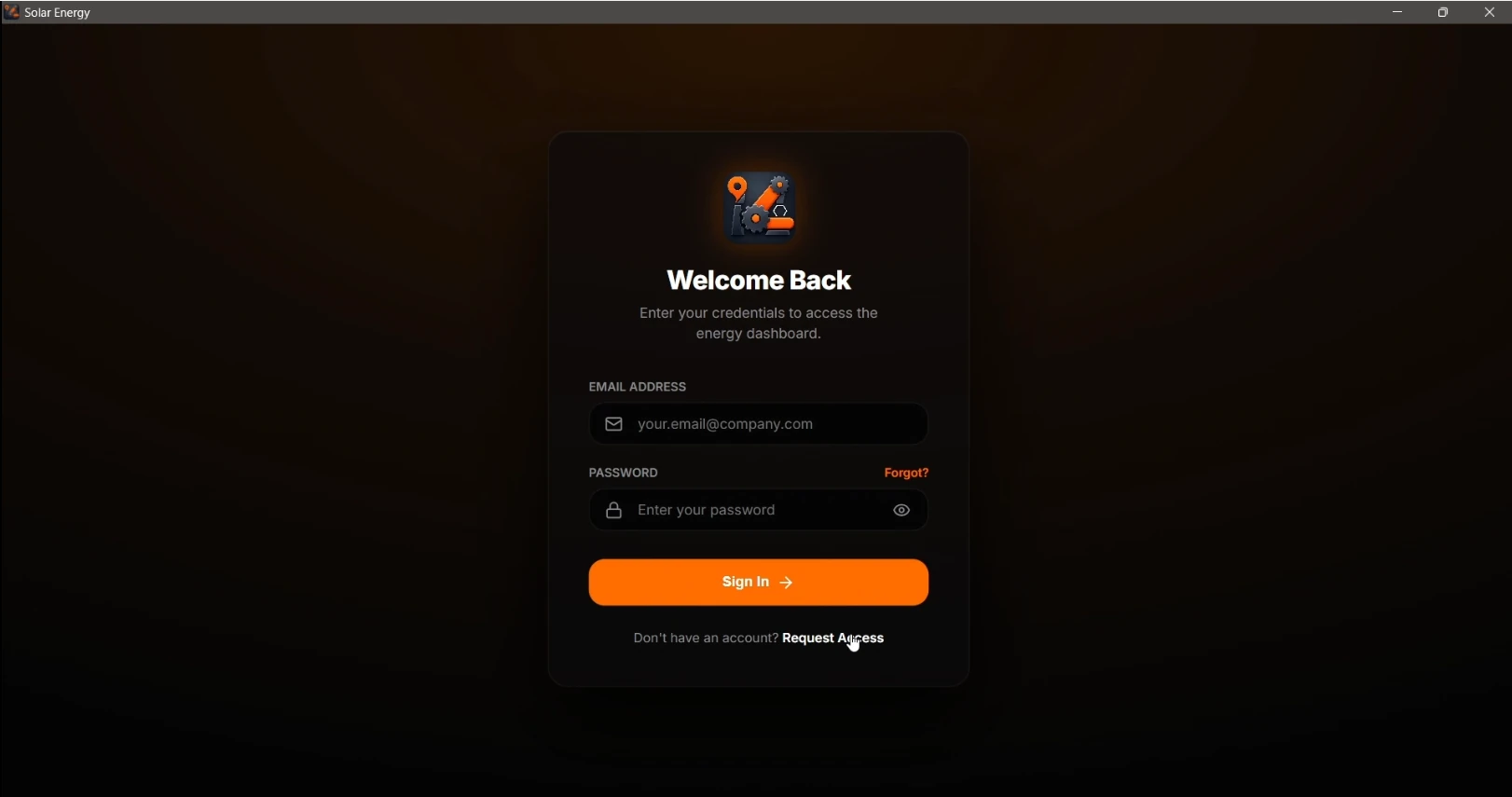
Custom telemetry reports let users choose a device, fields, and date range, query historical readings, and export PDF tables with summary statistics and timestamped values. The React implementation uses jsPDF and AutoTable, while Flutter uses the Dart pdf package and native file-opening tools. Monthly-summary screens and CSV export are also present. Account flows cover registration, pending approval, sign-in, password recovery, and administration, with role-aware interface controls. These features connect day-to-day monitoring with investigation, reporting, and access management.
Implementation Scope
The implementation contains InfluxDB query paths alongside unfinished or illustrative modules. Battery/BESS adapters and the BMS cell map currently return zero or empty values, and some monthly-report figures are estimated or generated for display. The SQLite schema caches alarms rather than a complete offline telemetry history. The project demonstrates a multi-platform monitoring product and its engineering, with battery integration and report-data completeness remaining areas for further development.
Project Gallery
16 items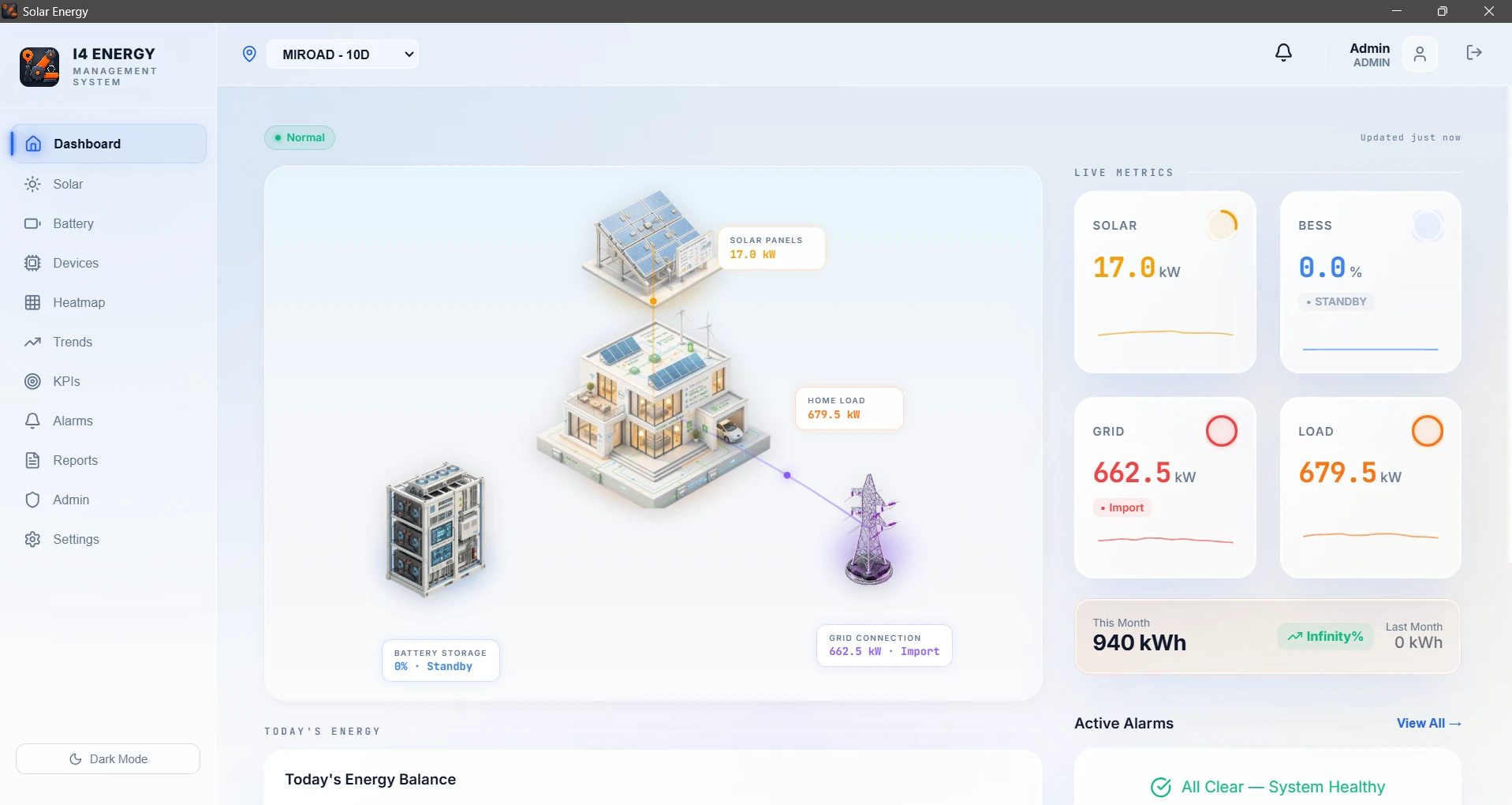
Explore More Projects
Swipe or click arrows to see other work
 View projectanalyzing project #01
 View projectanalyzing project #02
 View projectanalyzing project #03
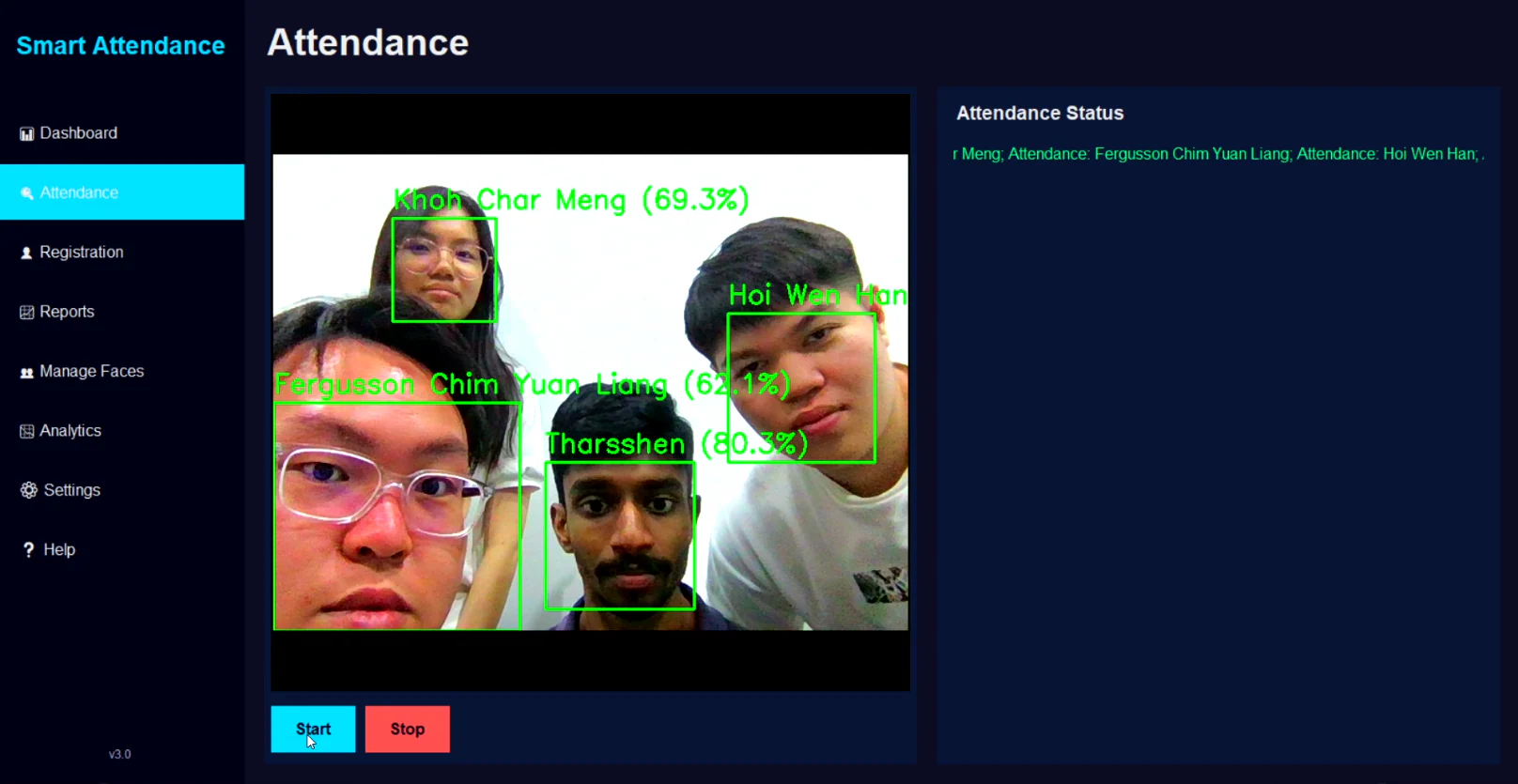 View projectanalyzing project #04
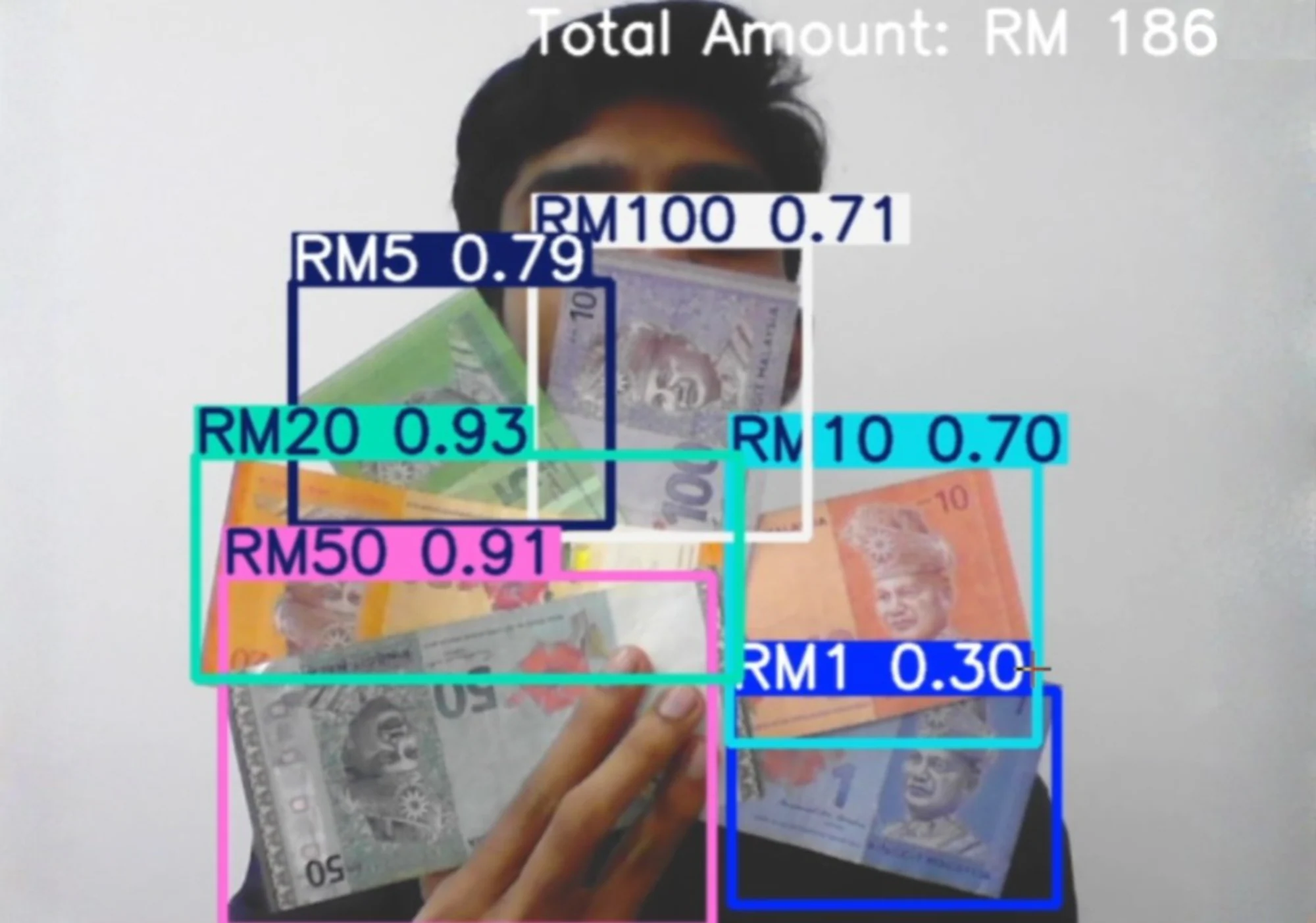 View projectanalyzing project #05
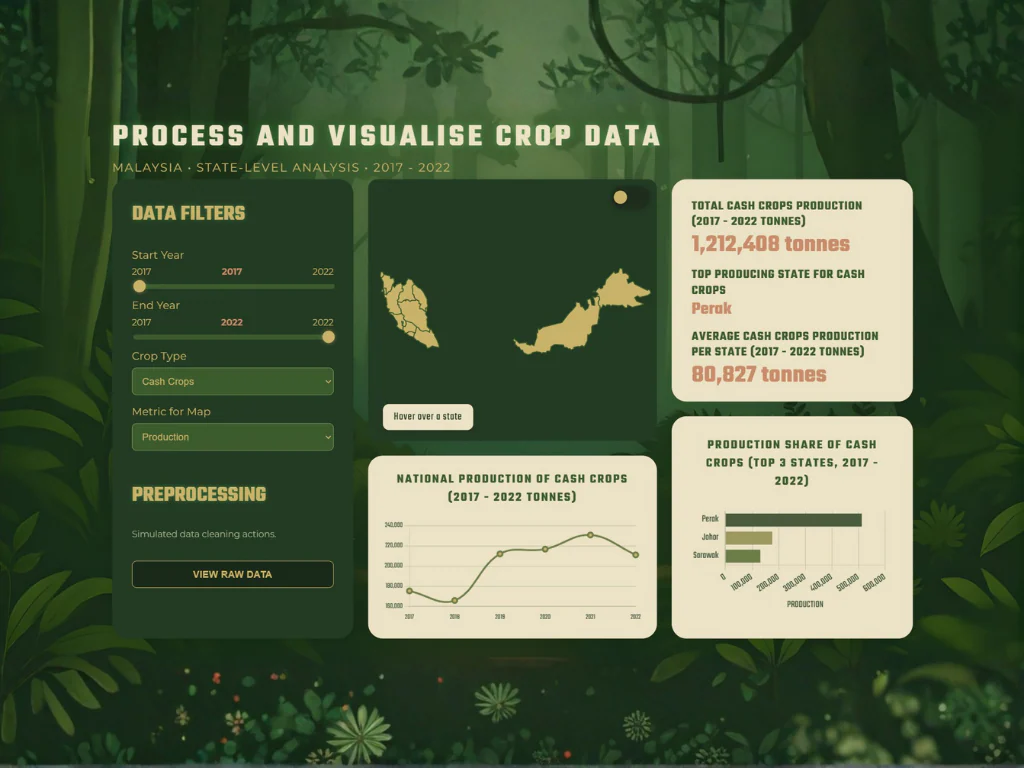 View projectanalyzing project #06
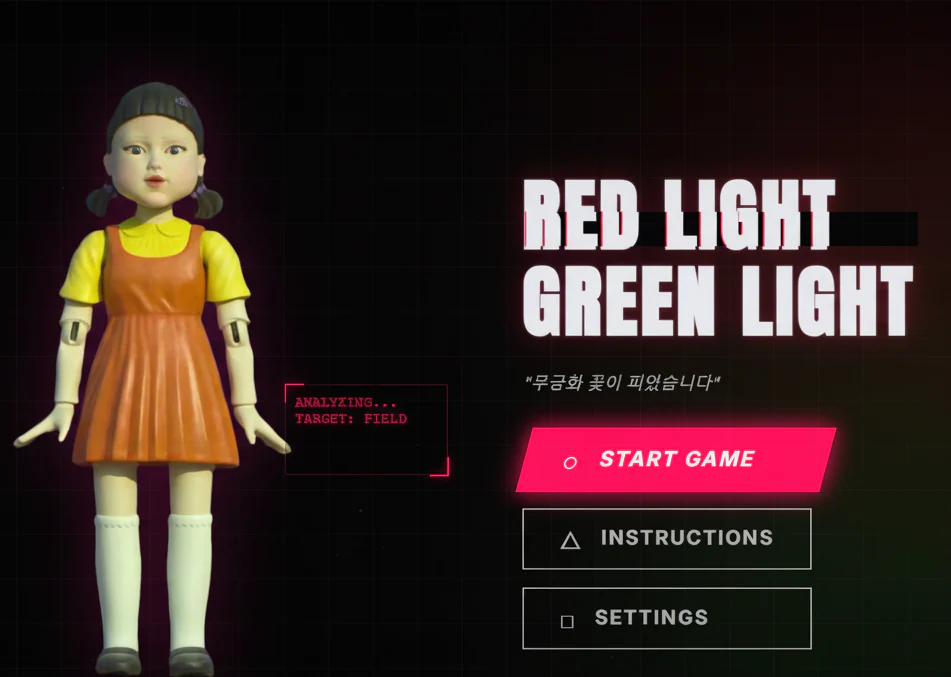 View projectanalyzing project #07
 View projectanalyzing project #08
 View projectanalyzing project #09
 View projectanalyzing project #10
 View projectanalyzing project #11
 View projectanalyzing project #12
 View projectanalyzing project #14
 View projectanalyzing project #15
 View projectanalyzing project #16
 View projectanalyzing project #17
 View projectanalyzing project #18